
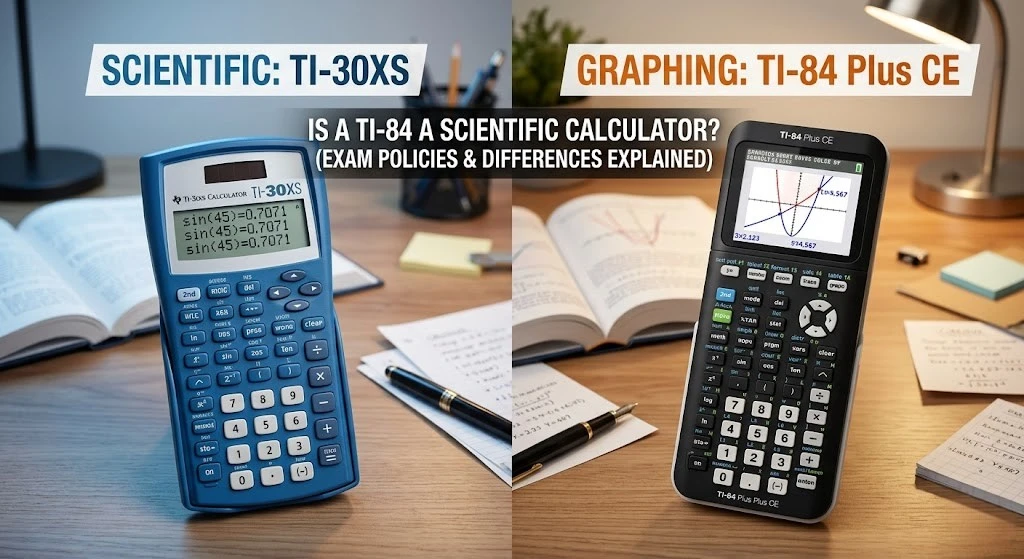
Is a TI-84 a Scientific Calculator? (Exam Policies & Differences Explained)
If you are packing your bag for a major standardized test or walking into a strict college math final, you have probably checked the syllabus to see what hardware is allowed. When a teacher explicitly says, “Only scientific calculators are permitted,” panic usually sets in.
If you own a Texas Instruments TI-84 Plus, you are probably wondering: Is a TI-84 a scientific calculator?
Here is the quick answer: No, the TI-84 is officially classified as a graphing calculator. While it does contain every single function that a scientific calculator has (and much more), its ability to plot visual graphs, store custom programs in its memory, and compute matrices puts it in a completely different classification.
If your exam strictly bans graphing calculators, you cannot use your TI-84. Here is everything you need to know about the differences, exam policies, and what to do if you need to switch models.
Scientific vs. Graphing Calculators: What is the Difference?
To understand why test proctors care about this distinction, you have to look at what these machines are designed to do.
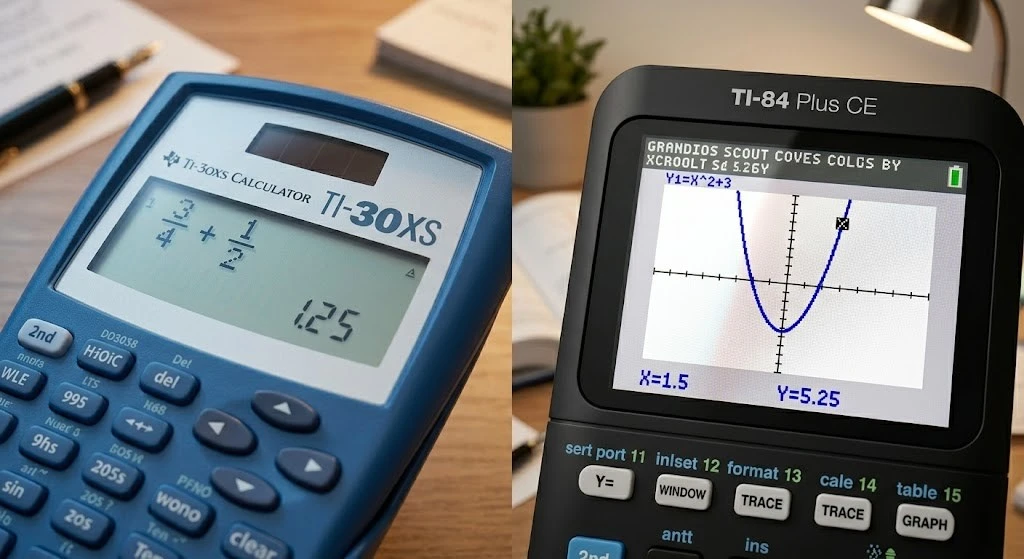
The Scientific Calculator (e.g., TI-30XS)
A scientific calculator is designed to handle advanced arithmetic, trigonometry (sine, cosine, tangent), logarithms, and scientific notation. They typically feature a smaller, one- or two-line display. They do not have the processing power to draw visual graphs or store custom algebraic programs. Because they cannot store cheat sheets or automatically solve complex parabolas, they are widely permitted on almost all high school and college exams.
The Graphing Calculator (e.g., TI-84 Plus CE)
A graphing calculator is essentially a handheld computer. A scientific calculator TI 84 equivalent simply doesn’t exist because the 84 series is built for visual data analysis. It features a large, multi-line screen that can draw coordinate planes, plot multiple intersecting lines, and visualize complex calculus concepts. More importantly, graphing calculators have internal memory (RAM and Archive) where students can write and store programs.
Because of this programmable memory and visual plotting advantage, many introductory math and chemistry professors ban them.
Standardized Test Policies for the TI-84
Before you leave your TI-84 at home, always check the official policy of the specific exam you are taking.
- The SAT: The College Board explicitly allows the TI-84 Plus series on the math section of the SAT.
- The ACT: The ACT also allows the TI-84 (as long as it does not have a CAS, or Computer Algebra System, which the standard TI-84 does not).
- AP Exams: Allowed for AP Calculus, AP Chemistry, and AP Statistics.
- State Assessments & College Finals: This is where the rules get strict. Many state-level end-of-course exams and introductory college courses explicitly require a dedicated scientific calculator and will confiscate a graphing model at the door.
What to Do If Your Exam Requires a Different Calculator
If you are studying for a test and realize you need to switch your hardware, you don’t need to run to the store and spend money on a device you will only use once. You can practice your keystrokes and finish your test prep using our free web-based simulators.
If your test ALLOWS graphing calculators:
You can keep practicing your advanced algebra and statistics exactly as you normally would. Launch our free online TI-84 graphing emulator directly in your browser. It mirrors the exact Texas Instruments operating system, meaning your muscle memory will be perfectly tuned for test day.
If your test STRICTLY REQUIRES a scientific calculator:
Do not risk bringing your TI-84. You need to get comfortable with a scientific layout before the exam begins. Switch over and launch our free TI-30XS scientific calculator. It features the exact fraction toggles, trigonometry keys, and data-entry methods required for strict-policy exams, completely free to use with no downloads.